Connecting a social account can look simple during a prototype. Add a token, call an API, and send the result into a workflow. That approach can prove that data is available, but it does not create a SaaS-ready integration.
What makes a social integration SaaS-ready?
A social integration is SaaS-ready when the customer owns the connection through OAuth, permissions are scoped and visible, tokens refresh safely, data is normalized into a durable model, and the product exposes connection health, account selection, failures, and disconnect states to users.
The customer must own the connection
A commercial platform needs a customer-facing connection flow. The user should choose a provider, authenticate with that provider, understand the requested permissions, select the relevant account, and see the resulting connection status inside the product.
Manual token entry may remain useful for internal testing or a narrow fallback, but it creates support work and weakens the customer experience when it becomes the primary setup path.
This matters most when the customer is not technical. A founder, marketer, or operations lead should not have to find a developer token, copy a secret into a form, or understand provider dashboards before seeing value. The product should own the connection ceremony and explain what happened in plain language.
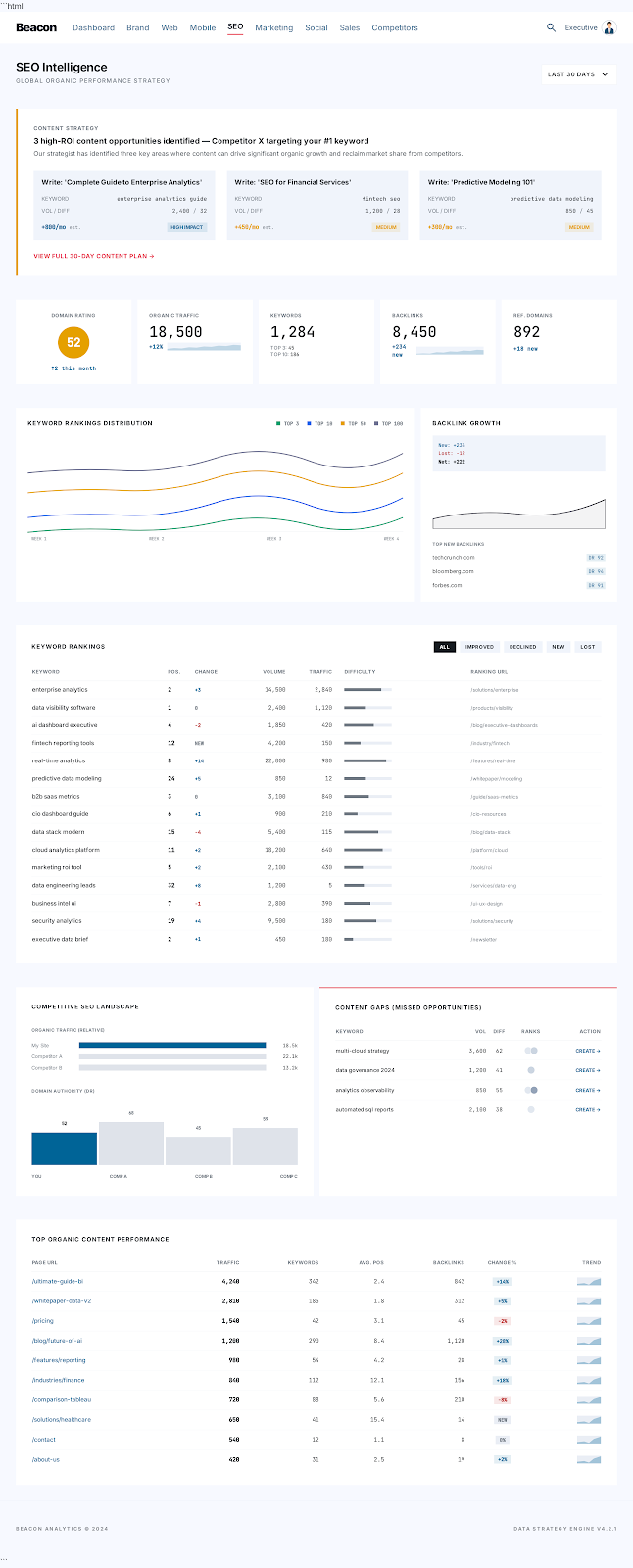
For Beacon, that means social accounts should feel like any other business data source: connect the account, confirm status, see freshness, and understand what the data contributes to the operating brief.
Normalize before building dashboards
Every social platform represents accounts, posts, engagement, audience, and time periods differently. A useful product needs a normalized internal model that preserves the source while giving the application a consistent way to query common concepts.
Normalization does not mean pretending the platforms are identical. It means separating shared fields from provider-specific fields so the interface can compare what is comparable and disclose what is not.
Good normalization usually separates four layers:
- Provider account: the connected platform identity, scopes, token status, and refresh state.
- Source object: the original post, page, profile, campaign, or media object from the provider.
- Normalized metric: common fields such as impressions, clicks, engagement, reach, followers, comments, or shares.
- Product signal: the business-level interpretation shown in a dashboard or AI brief. Skipping this layer creates dashboards that look polished but cannot answer basic questions consistently. One provider may report impressions by post, another by account, another by campaign, and another with delayed availability. The product has to preserve those differences without making the executive view unusable.
Treat credentials as infrastructure
OAuth tokens, refresh behavior, revocation, scopes, and webhook verification are infrastructure concerns. They should not live casually inside a marketing automation tool or an operator's personal account.
The platform needs clear ownership of credential storage, refresh failures, provider outages, and user-initiated disconnects. Those states are part of the product experience.
The application should know when a connection is healthy, stale, revoked, expired, rate-limited, or missing permissions. It should also know which workspace, customer, and user owns the connection. Those details belong in the product's backend and admin tooling, not scattered across personal accounts.
This is one reason Commerce Beacon treats integrations as part of SaaS platform development, not as a quick automation task. Automations can publish, classify, summarize, or route data, but the product still needs a stable account and permission model underneath.
Design for useful statistics
An integration is not complete when it returns a follower count. The product should define which decisions the data supports, the history required to detect change, and the content or account dimensions users need to investigate performance.
For Beacon, the goal is not simply to display connected accounts. The goal is to combine social performance with web, search, marketing, sales, and competitor context so leadership can understand how activity moves through the business.
Useful social statistics answer operating questions:
- Did social activity create more qualified traffic?
- Which content themes pulled attention from the right audience?
- Did engagement move before or after a web, search, or sales signal changed?
- Are competitors increasing activity around a campaign, product, or market topic?
- Which connected accounts are stale, broken, or missing permission? Those questions require more than a provider API call. They require history, source context, normalized dimensions, and internal links between social activity and the rest of the company's data.
Where AI belongs in social integrations
AI can help summarize post performance, classify content themes, detect campaign shifts, draft briefs, and explain unusual movement. It should not be the source of truth for account state, permissions, metrics, or historical records.
A good AI-supported social system keeps the raw provider data, normalized metrics, and generated interpretation separate. That lets the product show what the AI concluded while still letting a user inspect the evidence.
Commerce Beacon applies the same principle in AI sales funnel and social systems: use AI to reduce manual work and improve decision speed, but keep customer relationships, approvals, credential ownership, and business logic explicit.
Common questions
Can an n8n workflow be enough for social integrations?
n8n can be excellent for internal automation, publishing support, routing, and scheduled workflows. It is usually not enough as the main customer-facing integration layer for a SaaS product because customers need OAuth, account status, permission handling, and product-visible connection health.
Should a SaaS product store social tokens?
If the product connects customer social accounts, token handling belongs in secure backend infrastructure with clear ownership, refresh handling, and disconnect behavior. Tokens should not be pasted casually into admin screens or personal automation accounts.
What should the user see after connecting a social account?
The user should see which provider is connected, which account was selected, what permissions were granted, when data last synced, whether the connection is healthy, and what to do if access fails.